Packages as form or source
Edit product data, dependencies, properties and changelog. control as INI or TOML – the format you started with is kept.
Web application for opsi 4.3: create or import packages, edit control data and opsi-script files, build them and install them directly on the depots of several opsi servers. The successor to opsiPackageBuilder and ScriptEditor – as a Docker stack on your own server.
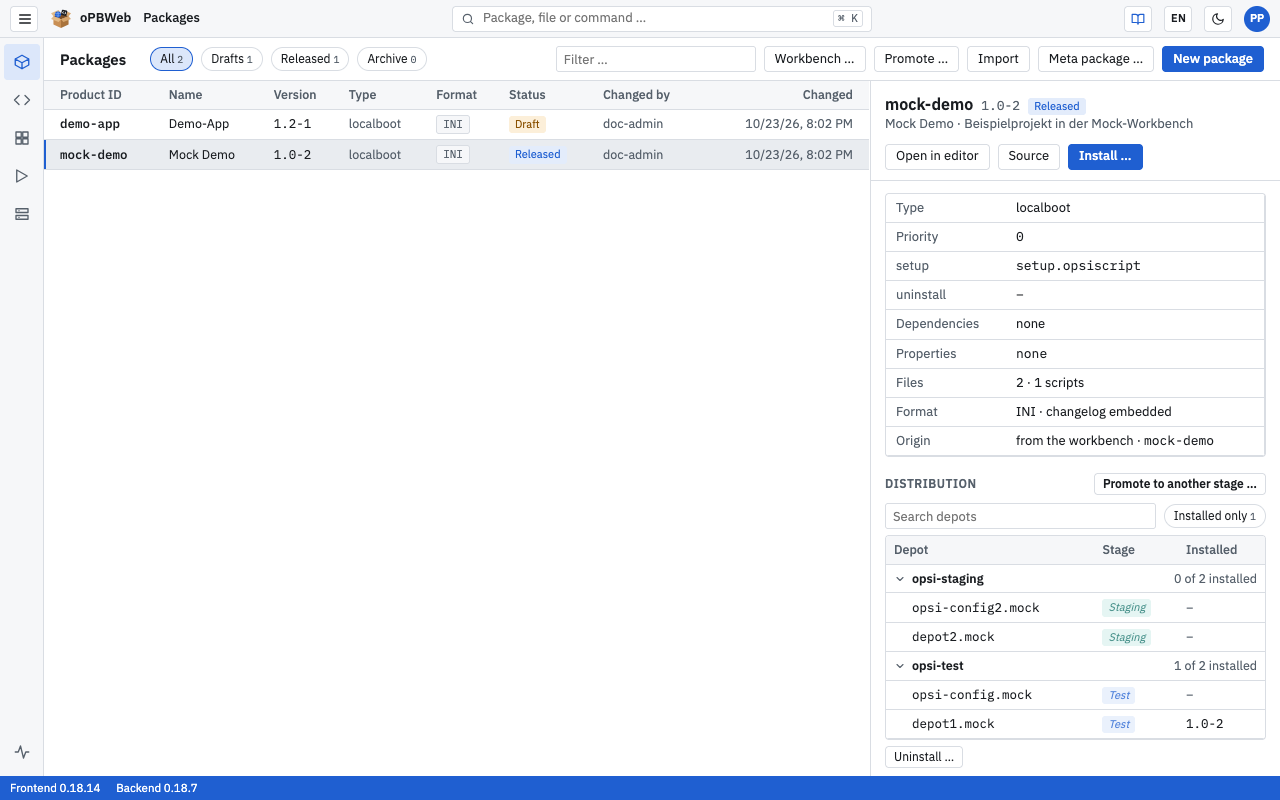
Edit product data, dependencies, properties and changelog. control as INI or TOML – the format you started with is kept.
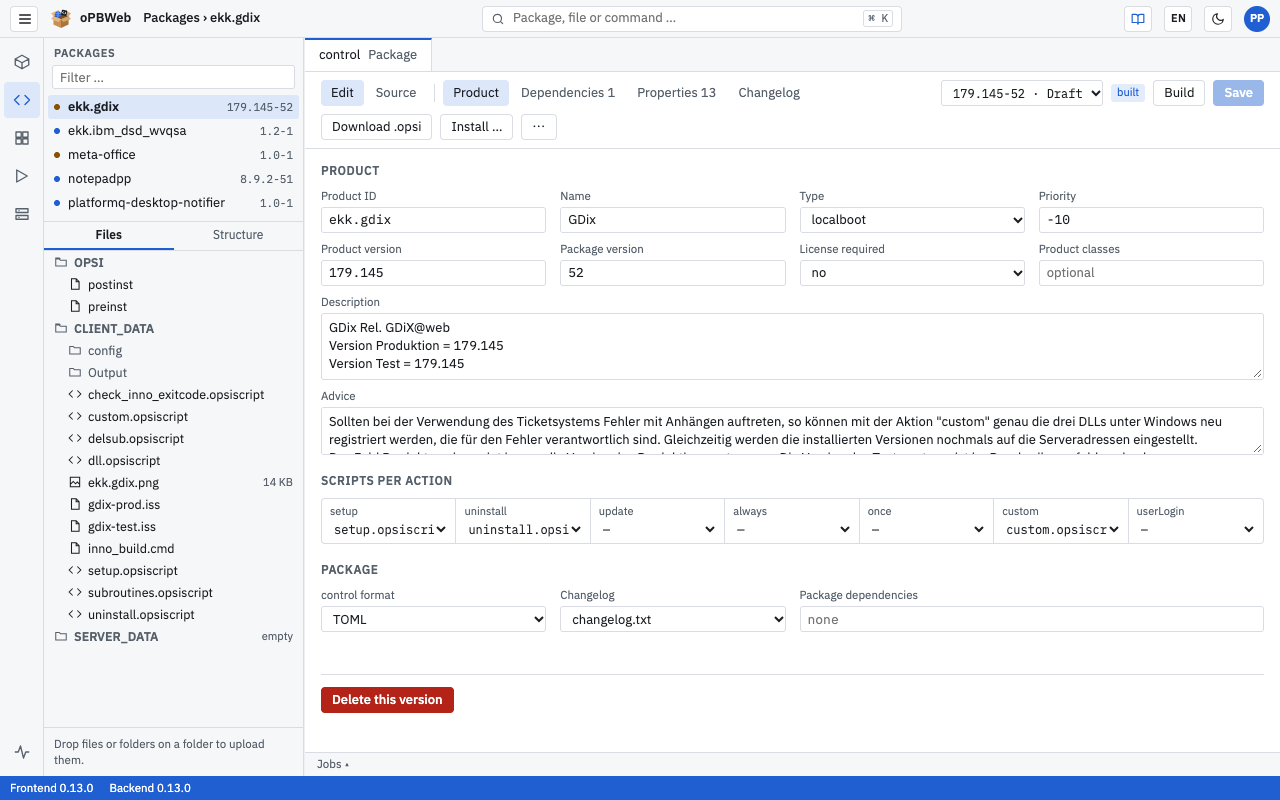
Syntax highlighting, autocompletion, checks and built-in help for every command, plus reusable snippets.
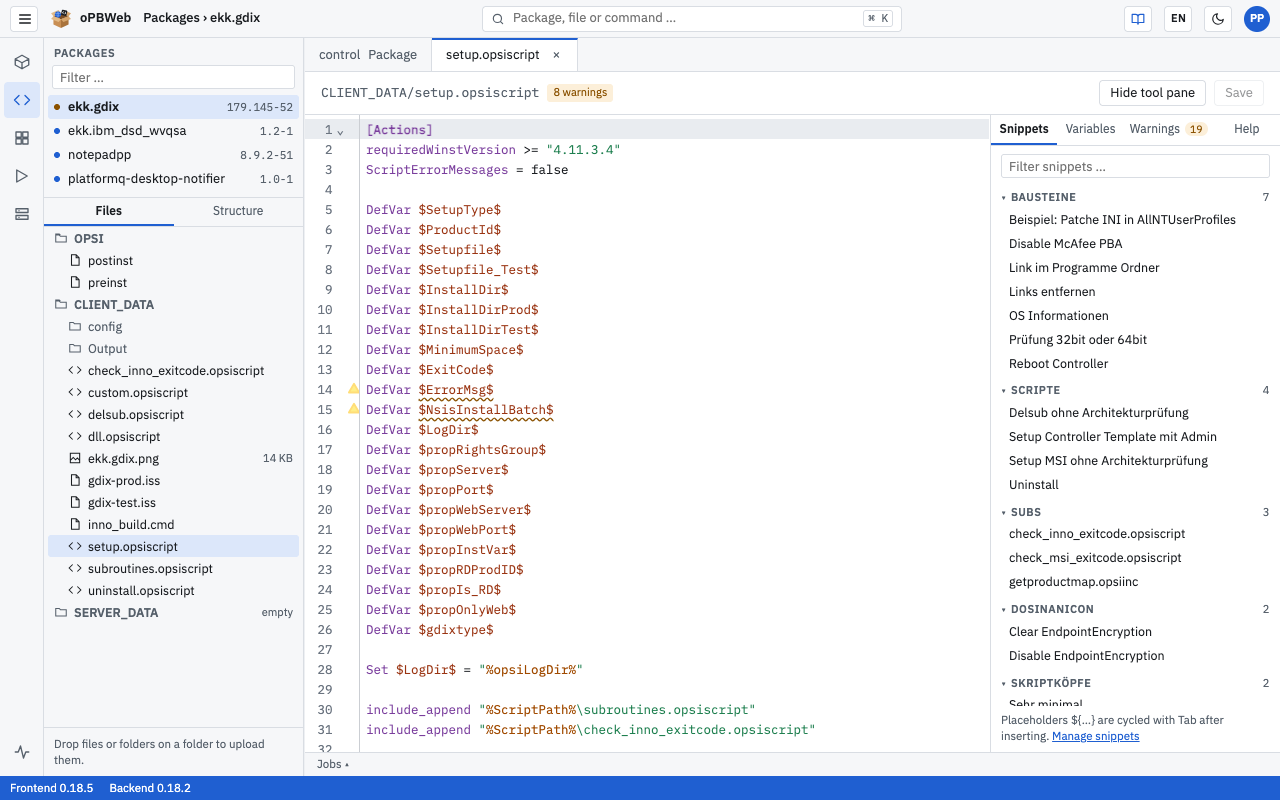
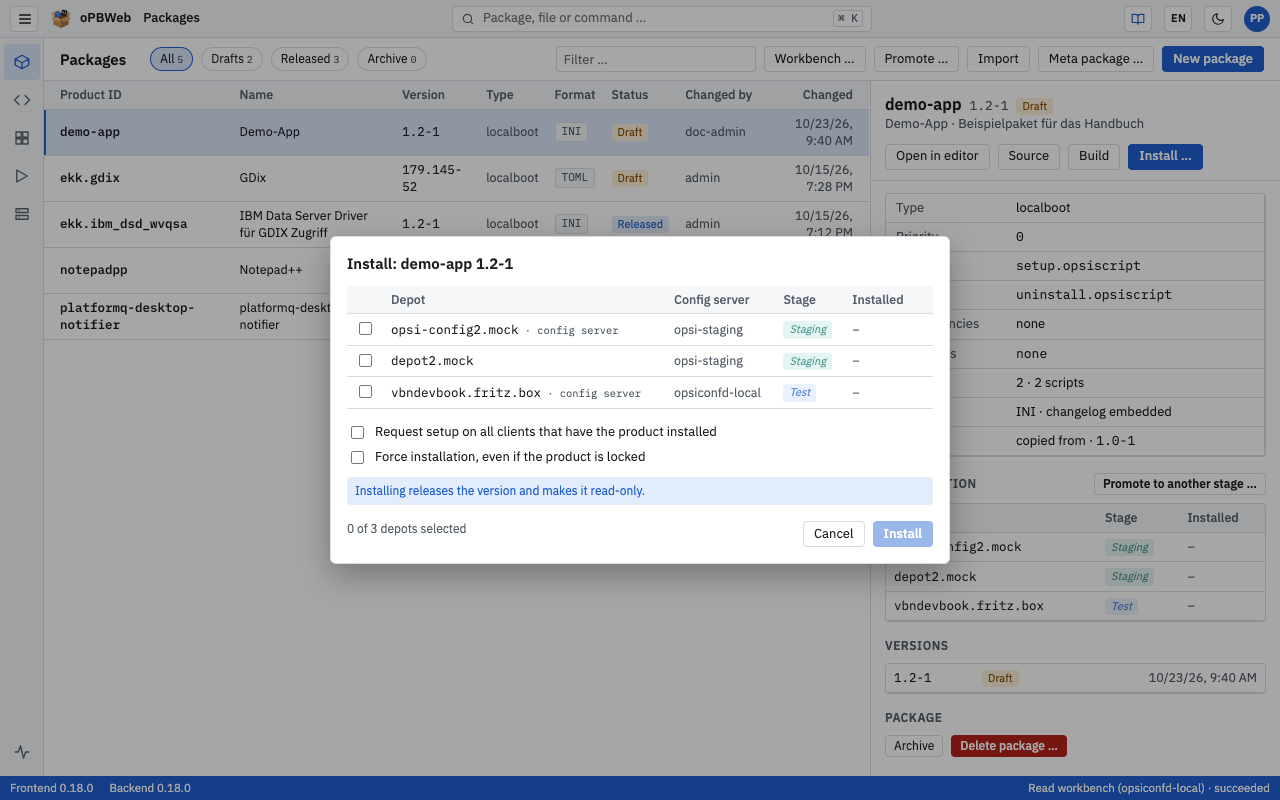
Import, build, install and uninstall run as jobs; you follow their progress live. Installing a version releases it.
Each config server gets a stage – test, staging or production. The same built version moves from test to production.
Import packages from the workbench or as .opsi files; all versions are stored centrally. The comparison shows where the workbench is newer.
Local accounts and LDAP with the roles reader, packager, releaser and admin. Only the server talks to opsi – users need no opsi admin rights.
Up and running in a few minutes on a Linux server with Docker – using the prebuilt images, no sources needed.
Linux host with Docker (Compose plugin) and openssl, opsi config server (opsi 4.3) reachable via HTTPS on port 4447 - alternatively see „Try it without an opsi server“.
Download oPBWeb-Stack-<no>.zip from the release oPBWeb Stack.
unzip oPBWeb-Stack-<no>.zip && cd oPBWeb-StackPut fullchain.pem and key.pem (your own TLS certificate) next to setup-opbweb.sh. Without your own certificate, the setup creates a self-signed one. If you want to use LDAP authorization, put ldap-ca.pem (CA of the LDAP server) next to the script, too.
Enter accepts the defaults. The admin password is shown at the end and stored in secrets/admin_password.txt.
./setup-opbweb.sh./start.shOpen https://<host name>/, sign in as admin and add the config server under Depots → +.